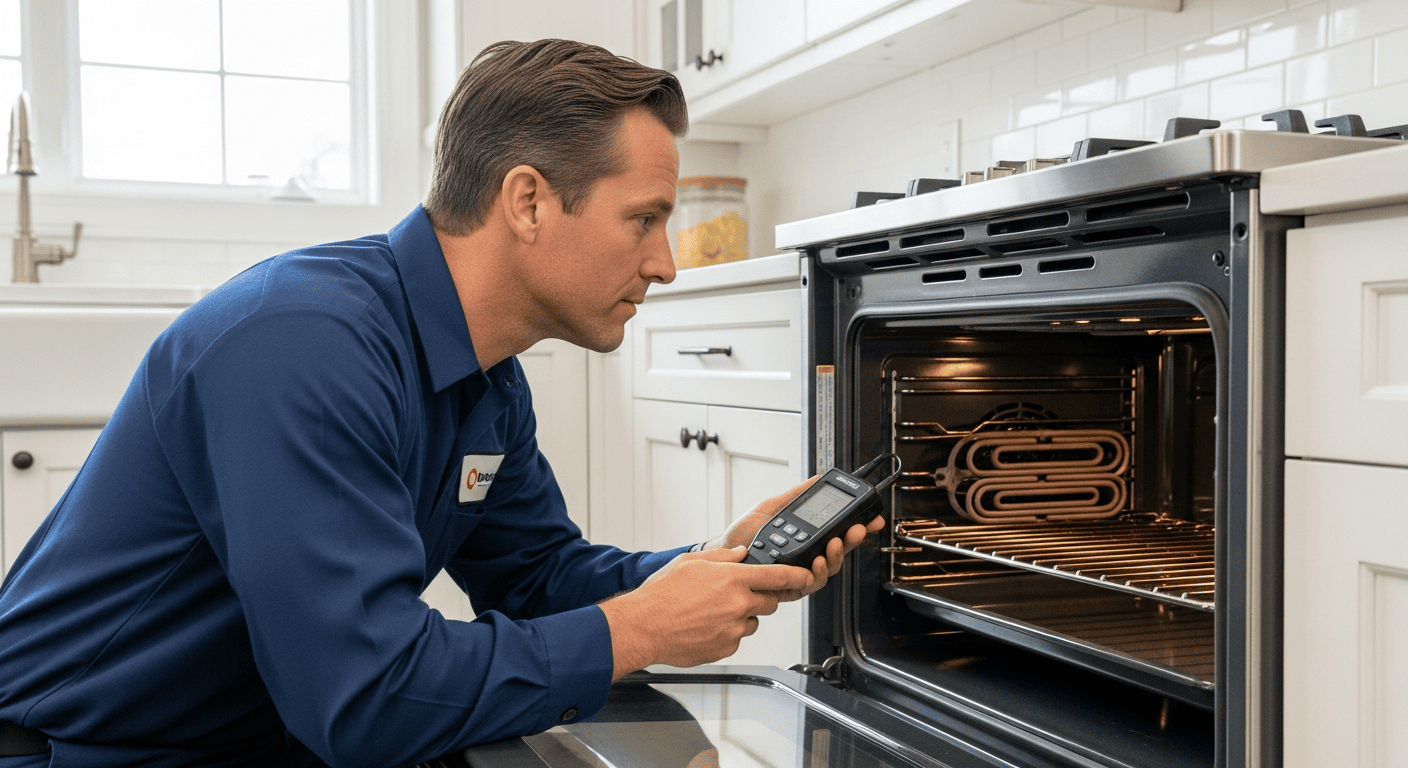
At SureFit Appliance Services, we diagnose and repair GE ranges every week — from basic freestanding models to GE Monogram wall ovens. This guide covers every major GE oven error code, what triggers it, and what the right next step looks like.
Based in Keswick, Ontario, we serve the GTA, York Region, Durham Region, Simcoe County, and Grey County. Same-day appointments may be available. SureFit confirms timing after reviewing your request. Call us at (647) 977-2626 if you need a technician today.
How GE Oven Error Codes Work
GE ovens use a two- or three-character code system. Codes beginning with “F” indicate faults — actual component or safety failures. Codes beginning with “E” are common on GE Profile models. “PF” signals a power interruption, not a fault.
The first character identifies the system. The second character — or second and third combined — specifies the problem. For example, F1 and F10 both relate to temperature sensor or control board faults, but they have slightly different triggers depending on the model year.
Some codes lock the oven completely and prevent cooking. Others are warnings that allow limited operation. Knowing the difference matters before you decide whether to reset or call for repair.
GE Oven Error Codes — Quick Reference Table
Below is every major GE oven error code we encounter at SureFit, along with severity and typical root cause.
| Code | What It Means | Severity | Typical Cause |
|---|---|---|---|
| F0 / F00 | Stuck key or shorted keypad | High | Membrane switch failure; keypad short |
| F1 / F10 | Runaway cooking / temperature sensor fault | Critical | RTD sensor failure; ERC board fault |
| F2 / F20 | Oven over-temperature (590°F+ / 310°C+) | Critical | Temperature sensor; control board relay stuck closed |
| F3 / F30 | Open temperature sensor circuit | Medium | Probe disconnected or failed internally |
| F4 / F40 | Shorted temperature sensor | Medium | Sensor damaged or short circuit in probe wiring |
| F5 / F50 | Door lock failure (self-clean mode) | Medium | Latch mechanism; lock motor |
| F7 / F70 | Function key stuck | High | Keypad or membrane switch failure |
| F8 / F80 | ADC error (analog-to-digital converter) | Medium | Control board fault; wiring harness issue |
| F9 / F90 | Door lock failure | Medium | Latch motor; door lock assembly |
| F11 | Shorted touch pad key | High | Membrane switch failure; control panel fault |
| E2 | Temperature sensor fault (GE Profile) | Medium | Probe connection or sensor element failure |
| E6 | Wiring harness issue (GE Profile) | Medium | Loose or corroded harness connector |
| PF | Power failure detected | Informational | Power outage or surge; clock reset required |
GE Oven Error Codes — Detailed Breakdown
F0 / F00 — Stuck Key or Shorted Keypad
A key on the control panel is stuck, or the keypad circuit has shorted. GE ovens detect this and halt operation immediately — a stuck key left undetected could trigger unintended cooking cycles.
What to try first: Unplug the oven for 60 seconds, then restore power. This clears the Electronic Range Control (ERC) board’s memory. If F0 returns, the membrane switch layer has failed and requires replacement.
Do not ignore this code. A stuck key combined with a failed safety shutdown can lead to a runaway cooking condition. This is not a warning to defer.
F1 / F10 — Runaway Cooking or Temperature Sensor Fault
F1 is the most serious error GE ovens produce. It means the oven’s safety system detected either a runaway cooking condition or a complete temperature sensor failure — the cavity is heating beyond safe limits without responding to thermostat control.
The oven shuts off immediately. Two components are responsible in most cases:
- RTD (resistance temperature detector) sensor failure: The probe monitoring cavity temperature has stopped responding or is sending false readings to the board.
- Electronic Range Control (ERC) board fault: The board is misreading sensor data, or it is commanding heat when it should not.
Before replacing either part, we always inspect connectors. A loose or corroded wire between the RTD sensor and the ERC board frequently causes F1 on GE models produced between 2010 and 2018. Reseat the connector at the board first — it costs nothing and sometimes resolves the code.
Can you use the oven with F1 showing? No. The oven will not heat and remains locked out until the fault clears. We repair GE ranges across Ontario — see our GE appliance repair service for full details.
F2 / F20 — Oven Over-Temperature
The oven has exceeded 590°F (310°C) — a critical overheat condition. Safety systems shut it down to prevent fire damage to the oven cavity and surrounding cabinetry.
Three faults typically produce F2:
- The RTD temperature sensor is giving a false high reading, causing the board to believe an overheat has occurred.
- The control board’s relay is stuck closed, meaning the heating element cannot cycle off.
- A short circuit is activating the relay continuously without a proper temperature command.
Never force the oven back on after F2. The overheat shutdown is a genuine safety feature. The control board and temperature sensor both require professional diagnosis before you restore power.
F3 / F30 — Open Temperature Sensor Circuit
The temperature probe has an open circuit — it is disconnected, the lead wire is broken, or the sensor element has failed internally.
What to check: Locate the temperature probe inside the oven cavity — it is typically a metal rod mounted near the upper rear wall or side wall, secured by two screws. Confirm the wiring connector at the rear of the cavity or behind the back panel is fully seated. If it is loose, reseat it firmly.
If the probe is properly connected and F3 returns, the sensor element itself has failed. Sensor replacement resolves this in the vast majority of cases. On GE Profile models such as the JT5000SF, the probe part number is WB21X5243 — a common replacement.
F4 / F40 — Shorted Temperature Sensor
Where F3 is an open circuit, F4 is the opposite — the temperature sensor has a short circuit and sends continuous or erratic voltage signals to the ERC board. The oven cannot trust the temperature reading and shuts down.
Sensor replacement is the standard fix. If F4 returns after a new sensor is installed, the ERC board itself may have a damaged input circuit.
F5 / F50 — Door Lock Failure (Self-Clean Mode)
The self-cleaning cycle demands a locked door — internal temperatures during pyrolytic cleaning exceed 900°F (480°C). If the latch mechanism fails to engage, the oven refuses to start the cycle and displays F5.
This code points to the door lock motor or the latch assembly. Close the door firmly and listen for the distinctive click of the latch engaging. No click means the latch mechanism is not moving. The lock motor assembly — part number WB14X10002 on many GE 30″ ranges — typically requires replacement.
F7 / F70 — Function Key Stuck
Similar to F0, F7 signals a stuck key — specifically a function button such as Bake, Broil, or Clean rather than a numeric key. The membrane switch layer is the most common culprit.
Unplug for 60 seconds and restore power. If F7 reappears, the control panel or membrane switch requires replacement. On some GE Café models, F7 can also result from moisture infiltrating the control panel after cleaning.
F8 / F80 — ADC Error
The control board’s analog-to-digital converter (ADC) transforms analog signals from the temperature sensor into digital data the processor reads. An ADC fault means this conversion is failing.
Most F8 errors trace back to the ERC board itself. Occasionally, a damaged wiring harness between the sensor and board causes it. We test both before recommending any part replacement — boards are expensive, and a wiring fix is always preferable when it applies.
F9 / F90 — Door Lock Failure
The door lock motor or latch assembly is not responding to the control board’s command. F9 appears most often during self-clean cycles, but it can surface during standard baking if the lock assembly is worn.
The door may feel stuck or refuse to unlatch after a cooking cycle. The door lock assembly — which contains the motor, switch, and latch — typically requires replacement as a unit.
F11 — Shorted Touch Pad Key
One touch pad key is permanently shorted, sending a continuous signal to the ERC board. The membrane switch layer — the thin, flexible circuit beneath the control panel surface — has failed at that key position.
Unplug and reset. If F11 returns immediately, the control panel membrane switch requires replacement. On GE Adora and GE Profile slide-in ranges, the membrane switch is often sold as part of the full control panel assembly.
GE Profile, Café & Monogram Error Codes
GE’s premium sub-brands — GE Profile, GE Café, and GE Monogram — share most error codes with standard GE models. A few codes, however, are specific to these lines.
E2 — Temperature Sensor Fault (GE Profile)
E2 appears on GE Profile ranges and indicates a temperature sensor problem comparable to F3 or F4 on standard GE models. Check the probe connection at the cavity wall and test the sensor’s resistance with a multimeter — a healthy RTD sensor reads approximately 1,080 ohms at room temperature.
E6 — Wiring Harness Issue (GE Profile)
E6 points to a loose or damaged wire harness between the control board and the heating element or temperature sensor. Inspect every connector for corrosion or loose terminals. Reseat connections firmly before considering a harness replacement.
PF — Power Failure
PF is not an error. It appears after a power outage or voltage surge — the oven detected a supply interruption and is prompting you to reset the clock. Press the Clock button, enter the correct time, and the code clears. If PF appears without any known power outage, the electrical supply to the oven may be unstable and worth investigating.
When to Reset vs. When to Call for Repair
A 60-second power reset is a reasonable first step for any GE oven error code. It clears transient faults caused by power fluctuations.
Call for repair when:
- The code returns immediately after resetting.
- You see F1, F2, or any critical over-temperature code — these are safety faults.
- The oven will not heat at all, or heats without stopping.
- The door is physically stuck locked or will not latch.
- You smell burning or see visible damage to wiring or components.
We service all GE models — including GE Profile, GE Café, GE Monogram, and GE Adora ranges — across Ontario. Our service call is $85 + HST per appliance, and that fee is waived entirely if the repair proceeds. You receive a written quote before any work begins — no hidden fees, no surprises.
Frequently Asked Questions About GE Oven Error Codes
Can I clear a GE oven error code by unplugging the oven?
Yes — unplugging for 60 seconds resets the Electronic Range Control (ERC) board and clears any stored fault code. This works for transient faults caused by power fluctuations. If the underlying component has genuinely failed, the code will return as soon as the oven powers up and runs its diagnostic check. A reset that sticks is reassuring; a code that returns immediately means a repair is needed.
Is it safe to use my GE oven when an error code is showing?
It depends on the code. Informational codes like PF are safe to clear and cook normally. Medium-severity codes such as F3, F4, F5, and F9 mean a specific component has failed — the oven may operate partially, but you should arrange repair promptly. Critical codes — F1, F2, and any over-temperature fault — mean the oven has shut itself down for a safety reason. Do not attempt to override these codes or force the oven back on.
How much does it cost to repair a GE oven showing an F1 error?
Cost varies depending on whether the fault is the RTD temperature sensor, the ERC control board, or a wiring connection. An RTD sensor is typically a lower-cost repair. An ERC board replacement is more involved. At SureFit, our diagnostic fee is $85 + HST per appliance — waived when the repair proceeds — and we provide a written quote before touching any parts. We carry common GE parts and confirm repair timing after diagnosis and a parts check.
My GE oven shows F5 but the door looks closed. Why?
The door can appear visually closed while the latch mechanism has not fully engaged. The door lock motor or latch assembly moves independently of the door itself — if the motor has failed or the latch is worn, the oven’s control board cannot confirm a secure lock and triggers F5. Close the door firmly and listen for a mechanical click from the latch. No click means the lock assembly requires replacement regardless of how the door looks.
Do GE Profile and GE Monogram ovens use the same error codes as standard GE models?
Mostly, yes. GE Profile, GE Café, and GE Monogram ovens share the core F-code system with standard GE ranges. Profile models add a few E-prefix codes — E2 and E6 are the most common — that address temperature sensor and wiring harness faults specific to that platform. The diagnostic approach is the same: identify the code, check connections first, then test or replace the indicated component.
Same-day appointments may be available. SureFit confirms timing after reviewing your request.
SureFit Appliance Services repairs GE ovens — and all major appliance brands — across a 200 km radius from our base in Keswick, Ontario. We cover the GTA, York Region, Durham Region, Simcoe County, and Grey County.
Every completed repair comes with a 90-day parts and labour warranty. Our diagnostic fee is $85 + HST per appliance — waived if the repair proceeds. You receive a written quote before any work begins. What you are quoted is what you pay.
Stop guessing and get a definitive answer today. Book your GE oven repair appointment online — or call us directly at (647) 977-2626to request service. Your oven should work. Let’s make sure it does!